










HOW TO USE YOUR CALTEX FUEL E-VOUCHER?
HOW TO USE YOUR CALTEX FUEL E-VOUCHER?
1. Add your voucher to the CaltexGO app
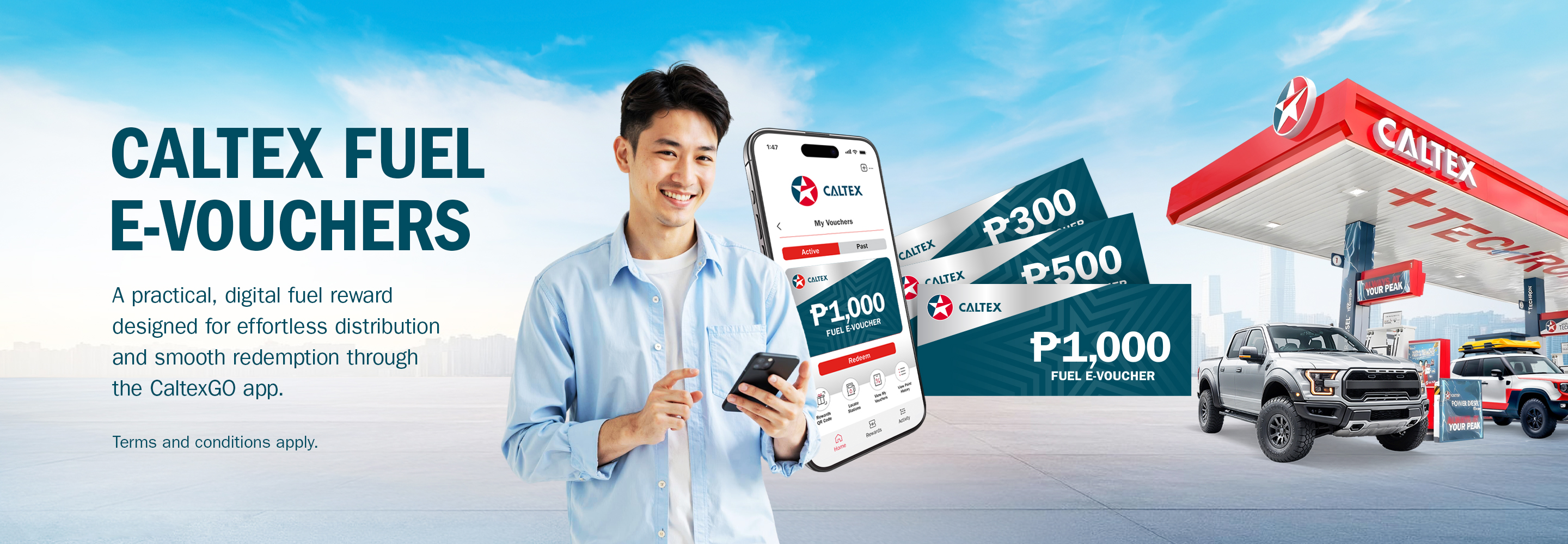
Enter your 13-digit alphanumeric voucher code in the “My Vouchers” section of the app to activate it.
2. Apply at checkout
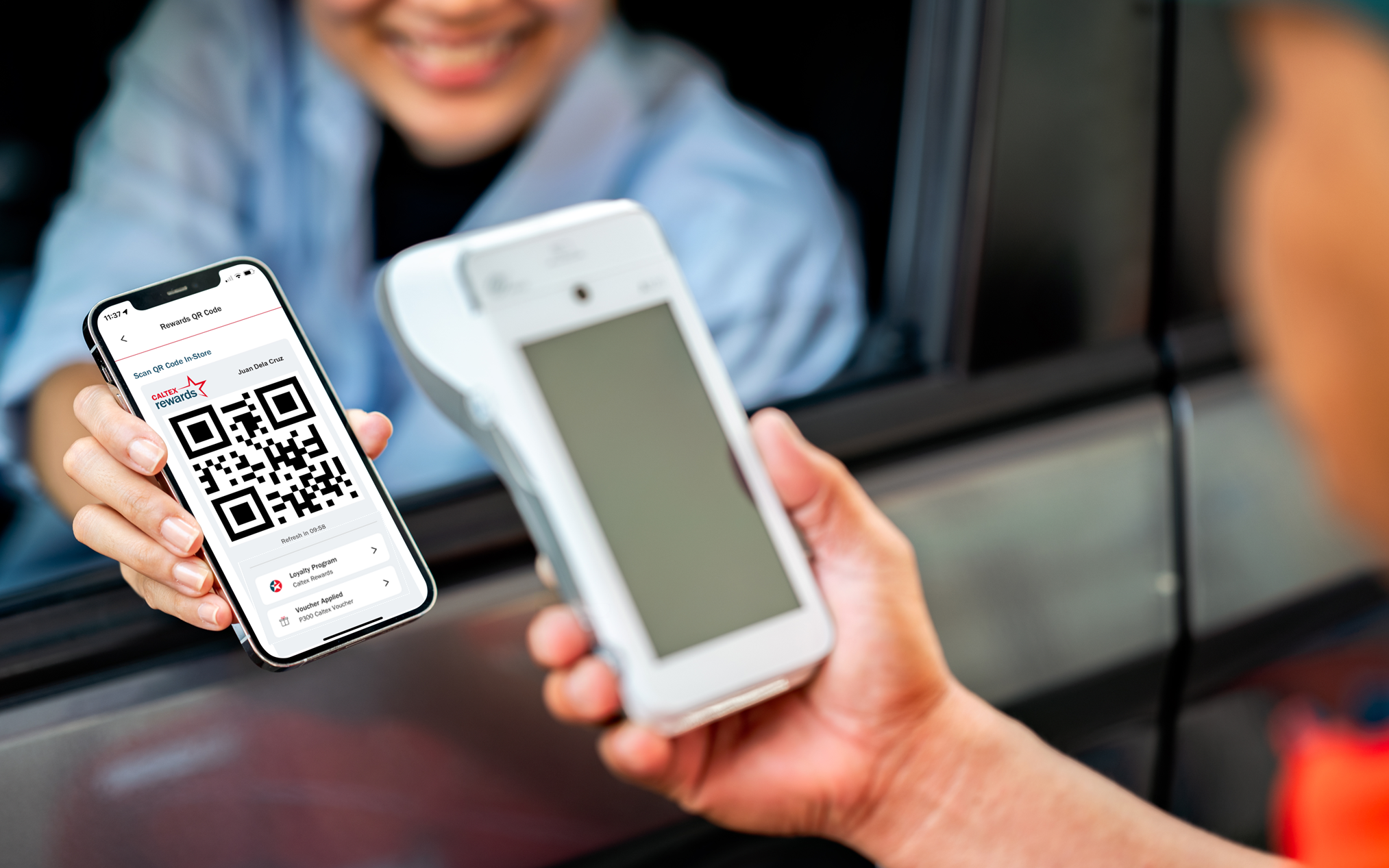
When ready to pay for your fuel, open the app, tap on the “Rewards QR Code” to apply your selected voucher.
3. Scan and enjoy
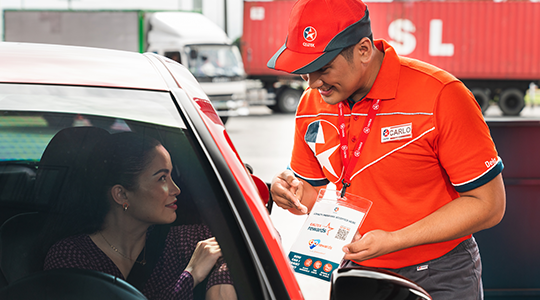
Show your QR Code to the pump attendant. Once scanned, your voucher is instantly deducted, and you earn Caltex Rewards points!
*e-Vouchers must be redeemed in full as a single transaction and is limited to one fuel type per purchase and a single vehicle. No change shall be given for purchases less than the indicated peso value of the Caltex Fuel eVoucher. Once added in the CaltexGOapp, the validity of each voucher will be indicated. Click for full list of T&Cs.
1. Add your voucher to the CaltexGO app
Enter your 13-digit alphanumeric voucher code in the “My Vouchers” section of the app to activate it.
2. Apply at checkout
When ready to pay for your fuel, open the app, tap on the “Rewards QR Code” to apply your selected voucher.
3. Scan and enjoy
Show your QR Code to the pump attendant. Once scanned, your voucher is instantly deducted, and you earn Caltex Rewards points!
*e-Vouchers must be redeemed in full as a single transaction and is limited to one fuel type per purchase and a single vehicle. No change shall be given for purchases less than the indicated peso value of the Caltex Fuel eVoucher. Once added in the CaltexGOapp, the validity of each voucher will be indicated. Click for full list of T&Cs.