




CALTEX STARCARD ONLINE

Centralized Fleet Management with StarCard Online

CALTEX STARCARD ONLINE

Centralized Fleet Management with StarCard Online

StarCard Online is the ultimate solution for simple, convenient fleet card management. Our secure and user-friendly portal is designed to empower fleet customers with convenient access to comprehensive account management tools.


From monitoring fuel expenses and controlling spending limits, to tracking transactions in real-time, Caltex StarCard Online streamlines your fleet operations.
 

StarCard Online is the ultimate solution for simple, convenient fleet card management. Our secure and user-friendly portal is designed to empower fleet customers with convenient access to comprehensive account management tools.


From monitoring fuel expenses and controlling spending limits, to tracking transactions in real-time, Caltex StarCard Online streamlines your fleet operations.
 

Want to know more?

Please click either the Customer tab or Merchant tab below to view Quick Reference Guide

Want to know more?

Please click either the Customer tab or Merchant tab below to view Quick Reference Guide

Customers
Merchants

STARCARD CUSTOMERS Quick Reference Guide to

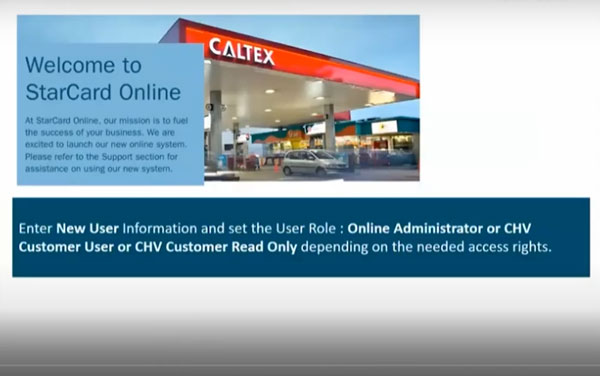
ADD NEW STARCARD ONLINE USER

EDITING THE STARCARD ONLINE USER PROFILE

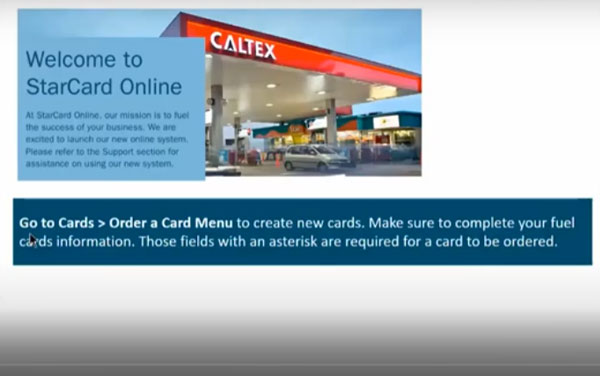
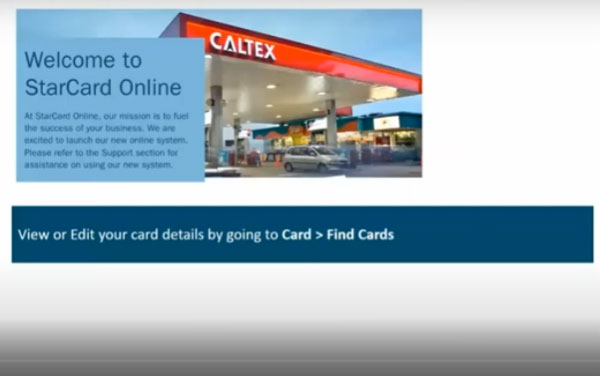
CREATE A NEW CARD
CREATE A NEW CARD

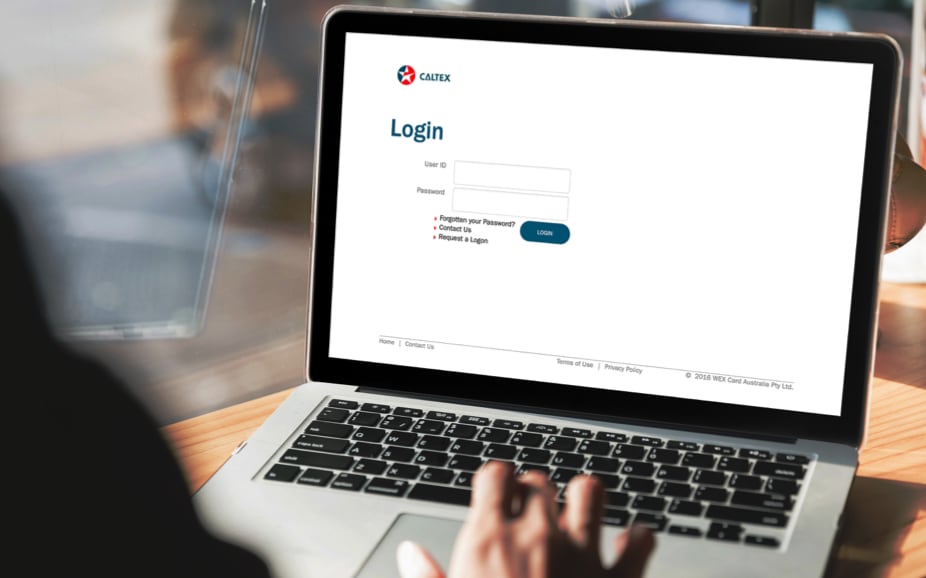
REQUEST A LOGON
REQUEST A LOGON

RESET THE PIN OF THE CARD

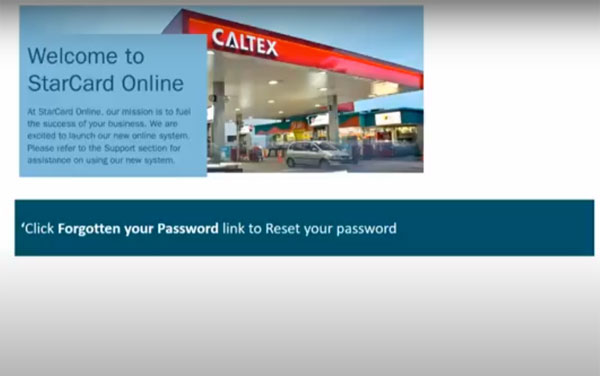
RESET YOUR PASSWORD
RESET YOUR PASSWORD

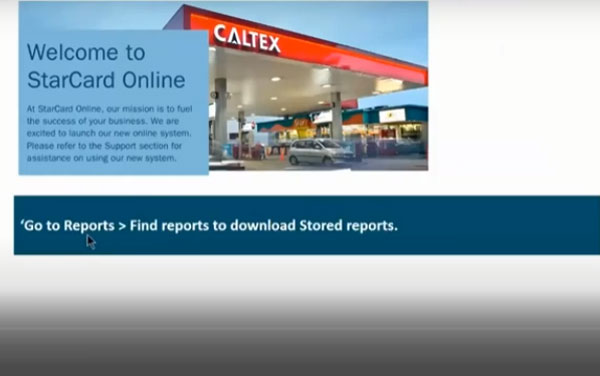
MANAGE REPORTS
MANAGE REPORTS

UPDATE CARD LICENSE PLATE AND PRODUCT

UPDATE CARD LIMIT AND COST CENTRE

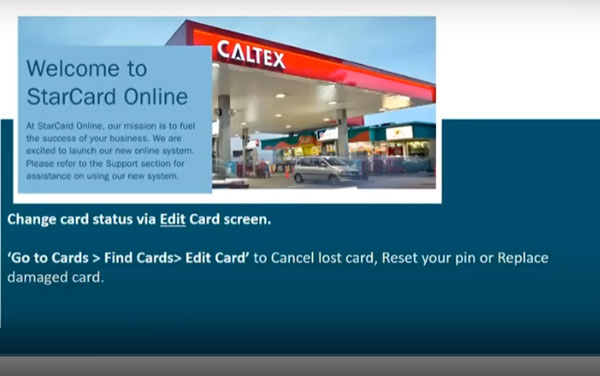
UPDATE CARD STATUS
UPDATE CARD STATUS

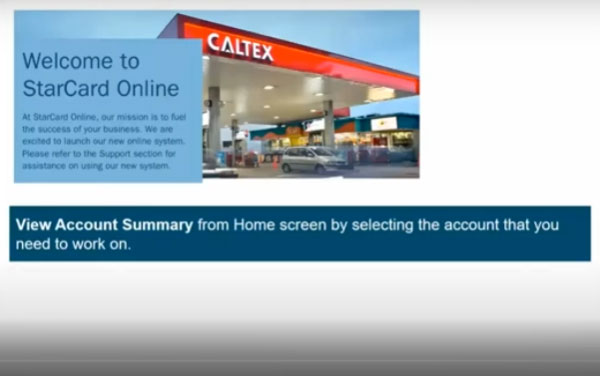
VIEW ACCOUNT SUMMARY

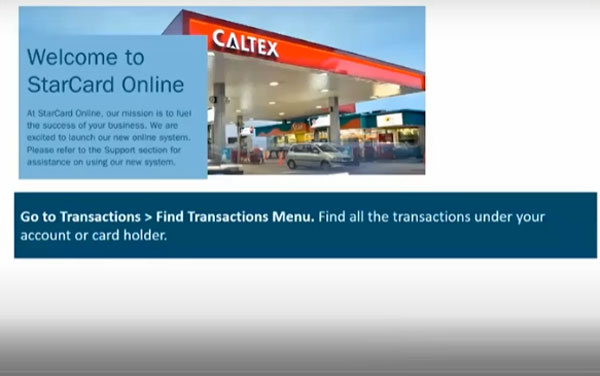
VIEW YOUR CARD TRANSACTIONS

MERCHANT Quick Reference Guide to

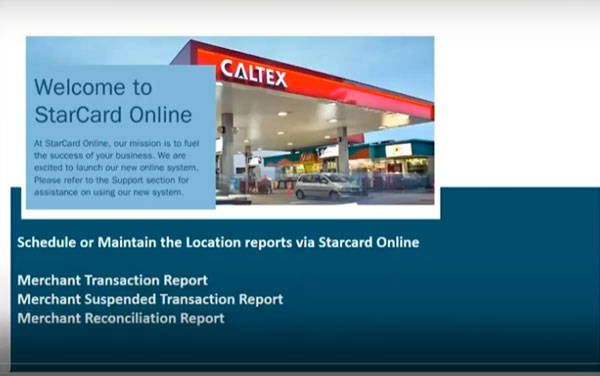
VIEW LOCATION REPORTS

VIEW MERCHANT STATEMENTS

VIEW MERCHANT SETTLEMENT

VIEW MERCHANT TRANSACTIONS

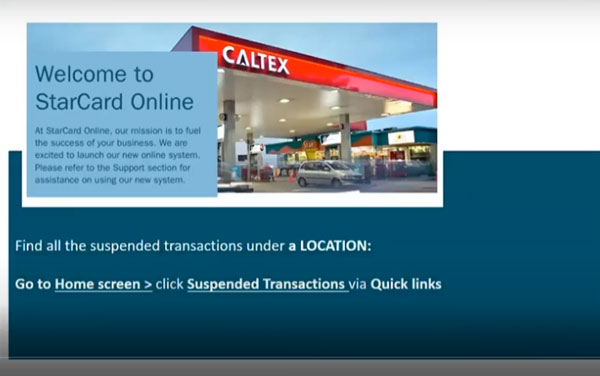
VIEW SUSPENDED TRANSACTIONS

SCHEDULE A REPORT
SCHEDULE A REPORT

QUICK REFERENCE FOR STARCARD CUSTOMERS


  • ACCOUNT SUMMARY
    To view the current Account Status, Limit, Balance and Last Payment Received.
  • ADD NEW STARCARD ONLINE USER 
    With this access, Admin User can create another Starcard Online Administrator or CHV Customer User or CHV Customer Read Only depending on the needed access rights. Admin can also Edit User Information: View Account Profile, Edit Profile, Change User Status and Change User Role.
  • CARD MANAGEMENT
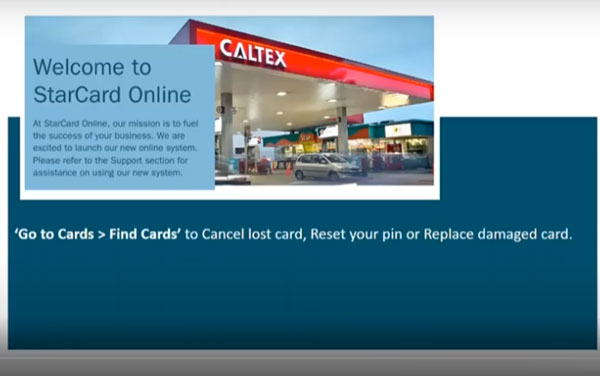
    Allows you to Create a New card, Cancel a card, Change Card Status, Reset your Pin, and Replace your Card
  • CREATE A NEW CARD
    Order new cards for your fleet. Online self-serve portal is available 24/7 for all you card ordering and card maintenance needs.
  • HOW TO REQUEST A LOGON
    For first time users of Starcard Online, click Request a Logon to register and gain access.
  • HOW TO RESET YOUR PASSWORD
    User ID and Password are both case sensitive. The system will only allow 3 unsuccessful attempts. Click Forgotten your Password link, user will receive a temporary password via email.
  • MANAGE REPORTS
    Find and download reports, Schedule a Report to receive it via email and Request a Report to download the reports available online.
  • VIEW YOUR CARD TRANSACTIONS
    Find all the transactions under your account. The screen displays accounts linked to your User ID.


LINK TO STARCARD ONLINE

QUICK REFERENCE FOR STARCARD CUSTOMERS


  • ACCOUNT SUMMARY
    To view the current Account Status, Limit, Balance and Last Payment Received.
  • ADD NEW STARCARD ONLINE USER 
    With this access, Admin User can create another Starcard Online Administrator or CHV Customer User or CHV Customer Read Only depending on the needed access rights. Admin can also Edit User Information: View Account Profile, Edit Profile, Change User Status and Change User Role.
  • CARD MANAGEMENT
    Allows you to Create a New card, Cancel a card, Change Card Status, Reset your Pin, and Replace your Card
  • CREATE A NEW CARD
    Order new cards for your fleet. Online self-serve portal is available 24/7 for all you card ordering and card maintenance needs.
  • HOW TO REQUEST A LOGON
    For first time users of Starcard Online, click Request a Logon to register and gain access.
  • HOW TO RESET YOUR PASSWORD
    User ID and Password are both case sensitive. The system will only allow 3 unsuccessful attempts. Click Forgotten your Password link, user will receive a temporary password via email.
  • MANAGE REPORTS
    Find and download reports, Schedule a Report to receive it via email and Request a Report to download the reports available online.
  • VIEW YOUR CARD TRANSACTIONS
    Find all the transactions under your account. The screen displays accounts linked to your User ID.


LINK TO STARCARD ONLINE

At Chevron Online, our mission is to fuel the success of your business. It is aimed to improve user experience with new web functionality, Now you have access to account and billing information, card base maintenance and transactional reporting online 24x7!

Please log on to https://StarCardOnline.caltex.com then click Request a Logon to register and gain access. To receive a User ID and Password, you must be an authorized Caltex customer.

Internet Explorer Browser, Chrome, Firefox Mozilla and Safari

Please Contact Customer Service via phone or email.

Yes, you can access StarCard Online via mobile device’s browser.

Online self-serve portal with full functionality on account and card maintenance which enables customer to utilize 24 x 7 services with no call services support required:

  • Card Ordering and Maintenance
  • Invoice and Statements
  • View and download Transaction
  • Account Summary and Maintenance
  • View, schedule and request for reports
  • Add new users and modify existing user’s access
  • Bulk card order and update feature

Yes, an Admin User can add and manage users online. Please read Quick Reference guide or contact customer service for more information. (applicable only for Starcard Customers)

Click Forgotten your Password link, user will receive a temporary password via email. If you can’t remember your User ID, please call customer service for assistance.


IMPORTANT: User ID and Password are both case sensitive. The system will only allow 3 unsuccessful attempts. If you need assistance, Please contact customer service for more information.

Yes. At the Home Page, select the Account in the “Currently Selected Account” dropdown list.


Alternatively, users may check Account Summary Quick Reference guide for more information.

Go to Admin Menu > New User Sub-menu or you may check Admin Quick Reference guide for more information.

System Requirements:

  • Screen Resolution: minimum of 1024 x 768 is required.
  • Supported Operating System: Linux and Windows. Mac OS is not supported.
  • Supported version of Browser: Internet Explorer 8 or higher, Firefox, Chrome and Safari
  • PDF Reader: Adobe Reader XI or higher

Merchants can now access Starcard Online with the following feature:

  • View the copy of Merchant Statement
  • Find Transactions and Export Transactions
  • View daily Merchant Settlement
  • Run and schedule report to be sent via email
  • To view reports, Location (Business Location Number) must be linked to user
  • To view Merchant Statement, Merchant Sold to number must be linked to user.
Cargo containers