





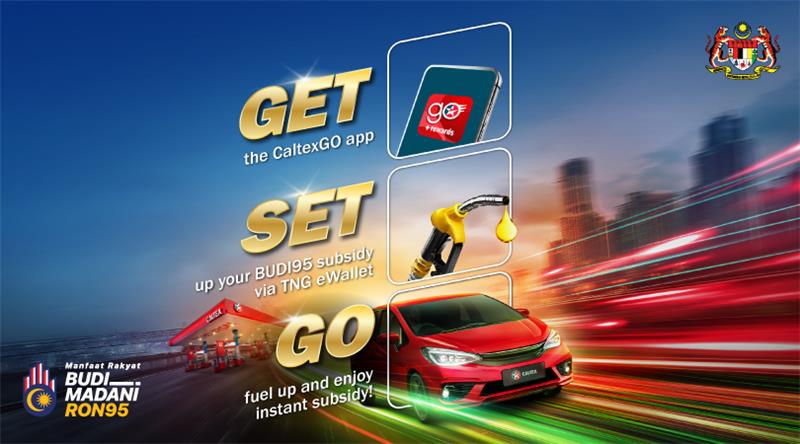




ENJOY EXCITING BENEFITS WITH CALTEX!

VIEW DETAILS
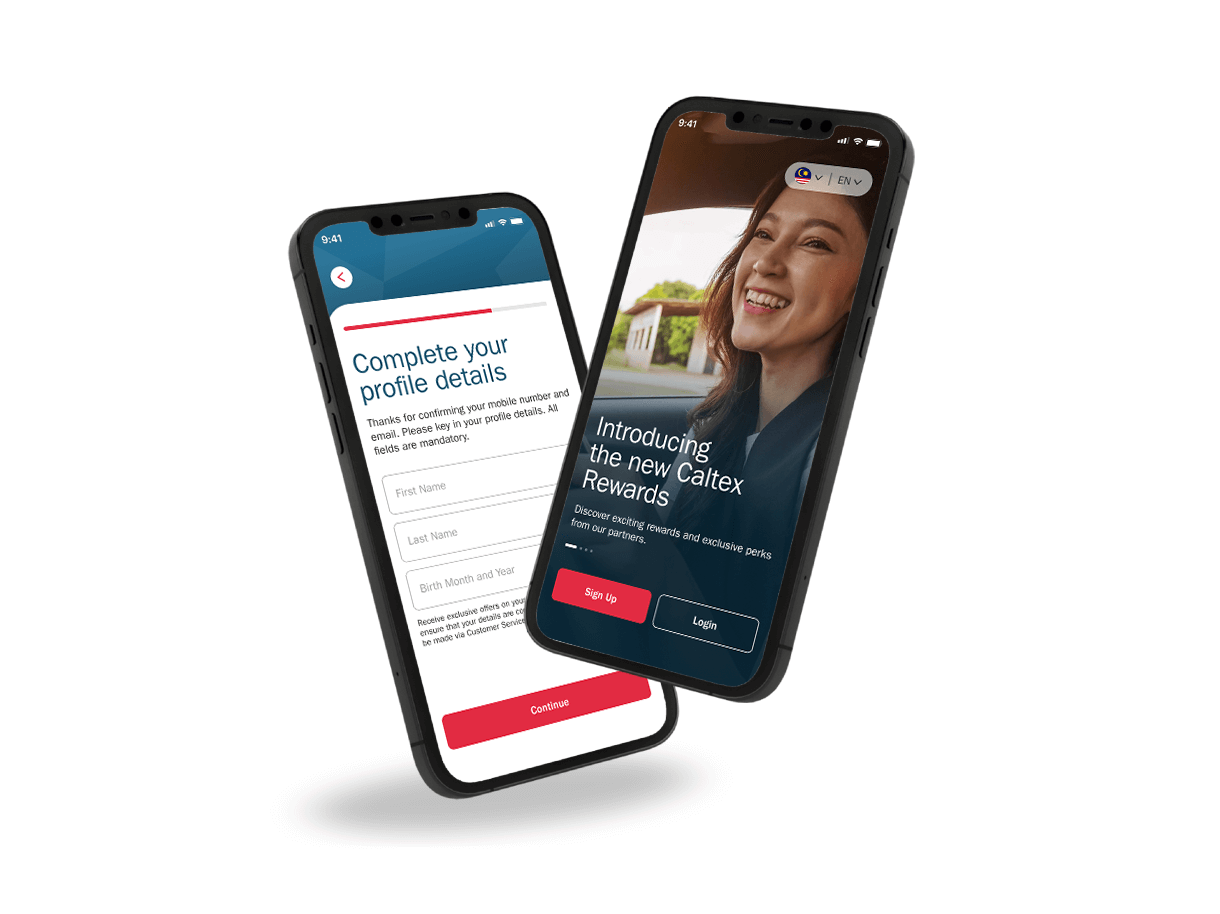
1. Register/ Sign-in
Download the latest CaltexGO app from the App Store for iPhone and on Google Play Store for Android.
Set up your CaltexGO account, and you are all ready for digital payment and earn loyalty points, or choose to redeem Caltex points anytime, anywhere.
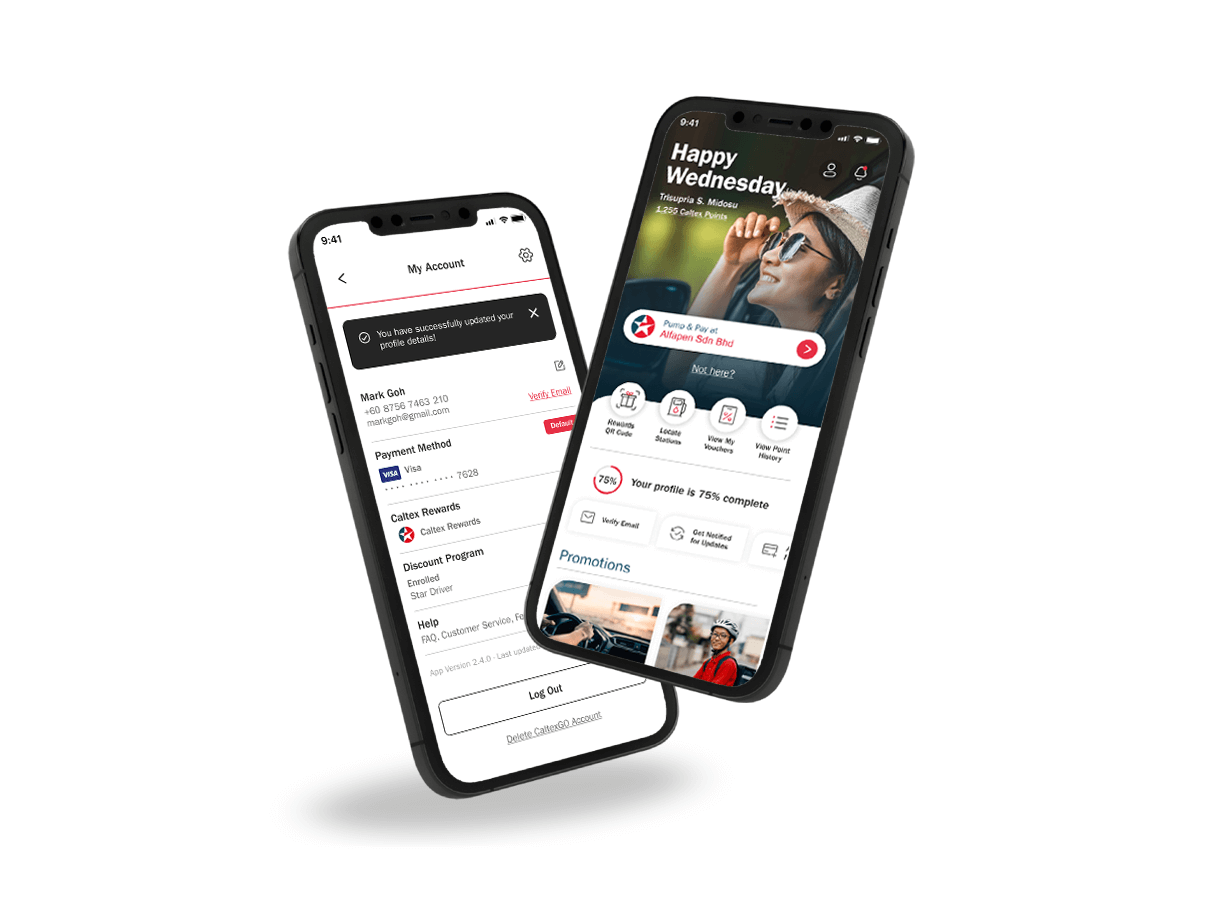
2. Manage Your Account
To get you all set up with going walletless, simply link up your credit/debit card.
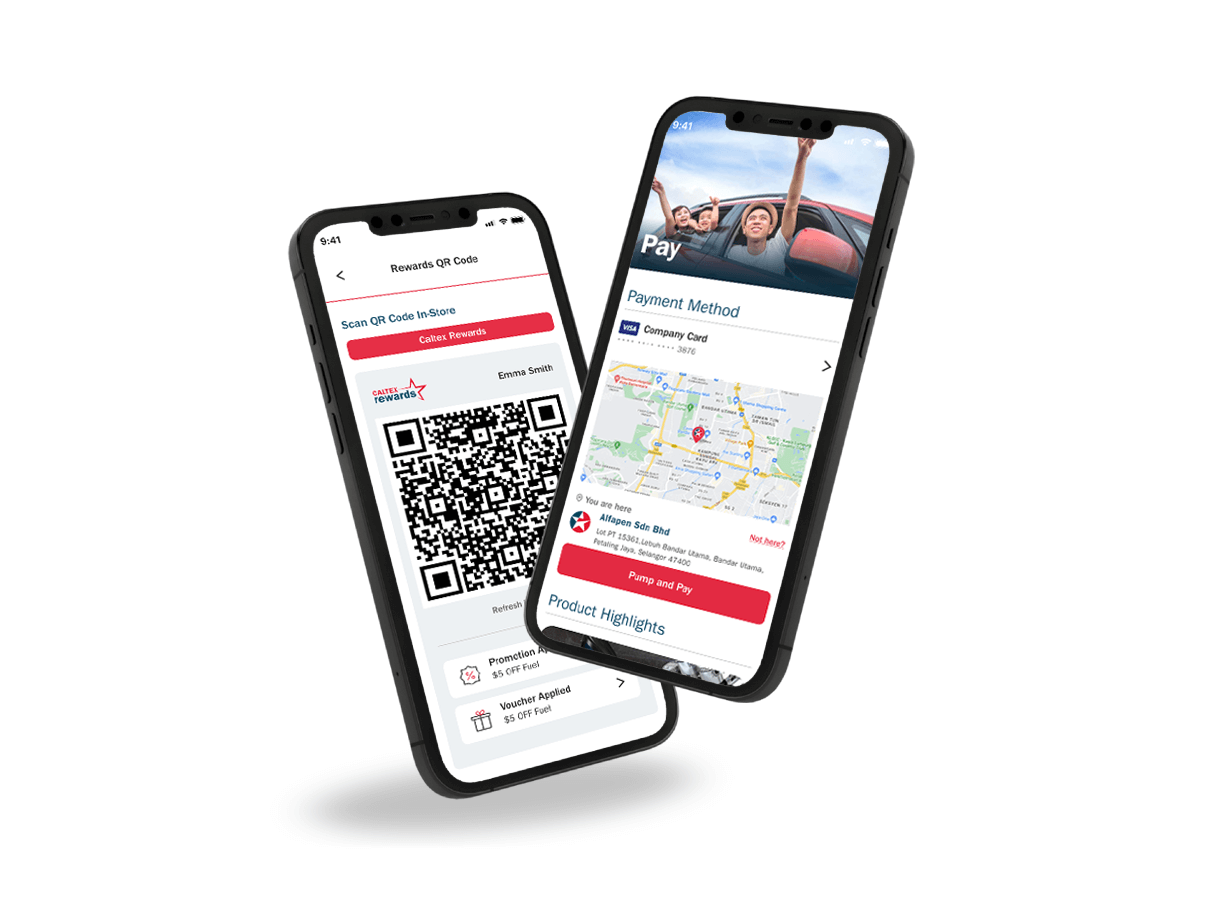
3. Pay and Earn
Simply visit a Caltex Station and pay how you would like using cash or credit/debit card by presenting your Caltex Rewards QR code at in-store checkout. Or save some time and pay right through the CaltexGO app. You will collect Caltex points either way. Promotions and e-vouchers are automatically applied to your transactions even before you remember it!
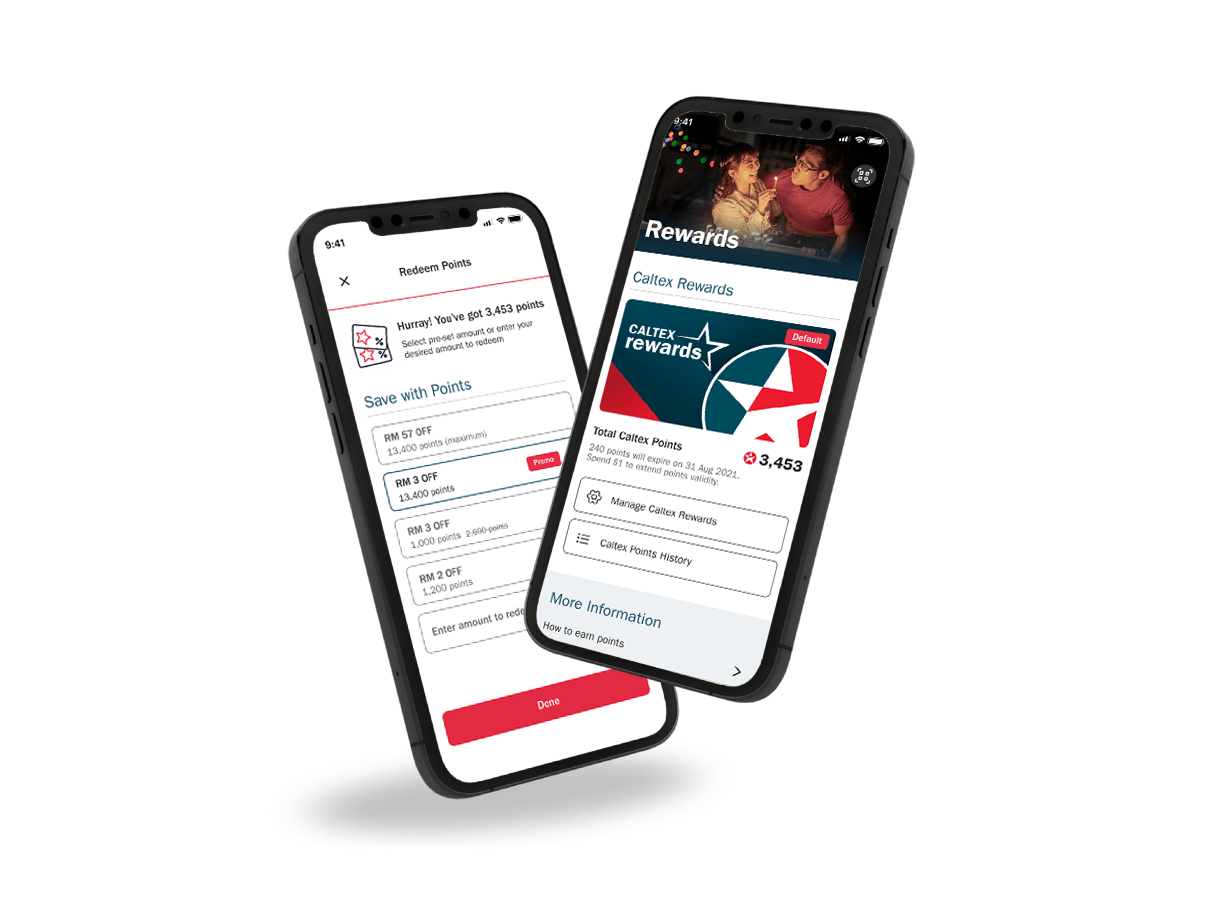
4. Redeem Caltex Points
You can redeem Caltex points instantly to offset your fuel purchase at our Caltex Rewards enabled stations
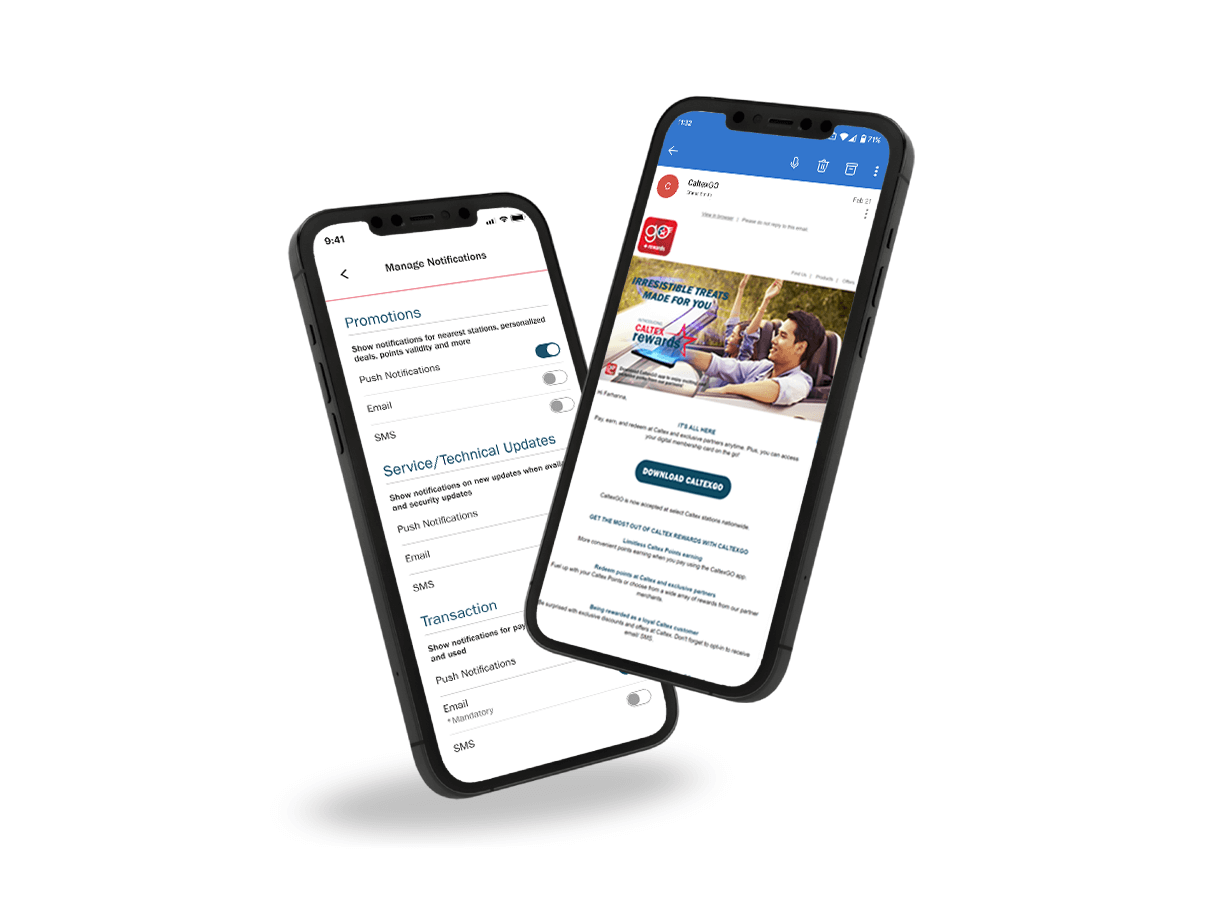
5. Keep Up-to-Date
Keep up to date with app only offers, new partners' voucher, rewards points summary and more. Don't forget to turn on your notifications to get updates about exclusives members offers that are personalized to your needs.
What phones are compatible with the Caltex app?
Any device running on Apple iOS 12/Android 5.1.1 or later.
Where can I download the CaltexGO app?
CaltexGO is available on Apple and Google Play App stores
Do I need to register?
Yes. You need to register to create a CaltexGO account to enjoy the mobile app features. If you have yet to do so, follow the on-screen prompts.
Can I use the CaltexGO app to purchase any fuel type?
Yes. You can purchase both Petrol and Diesel.
Can I use the CaltexGO app to purchase convenience store products?
No. CaltexGO is currently limited to fuel purchases at the participating Caltex stations.
My phone has no signal. What should I do?
A 3G or better signal is required to use the mobile payment service. Remember to check that your GPS is connected, or ‘Location Services’ has been enabled.
If you’re still having trouble with your service signal, you can always pop into the shop and pay for fuel, as usual.
Why do I need to register my email for Mobile Pay?
An electronic receipt for all CaltexGO transactions will be delivered to your registered email address.
Will I receive an email confirmation?
Yes. You are required to confirm your email address before using CaltexGO for mobile payment.
What is the SMS authorization code?
Caltex takes user security seriously, which is why you are sent a one-time security code by SMS to validate credit card selection when you first set up your preferred payment card.
What if I don’t receive my SMS authorization code?
You can request to have another authorization SMS sent. If you still do not receive the SMS after a few minutes, please contact your issuing bank for clarification.
There’s an error adding a payment method
Try removing the credit card details from the app and adding it again, double-checking to ensure all required information has been entered correctly.
If you continue to receive a payment error, contact your bank to verify that your payment account is active and verified internationally.